Autocharge
Plug in and charge. It couldn’t be easier!
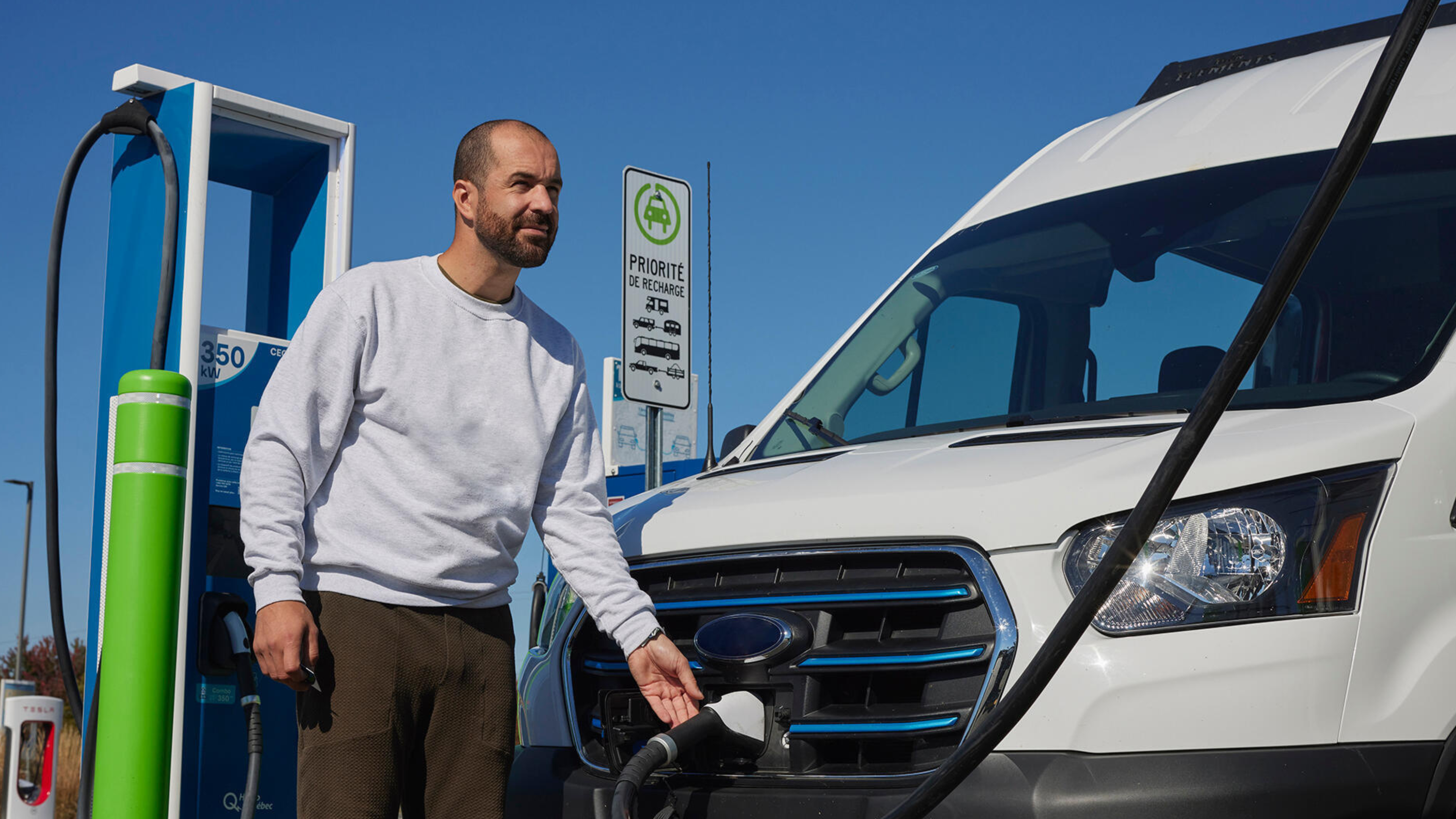
Autocharge is a feature that simplifies the EV charging process at Circuit électrique charging stations. After setting up Autocharge in the mobile app, just plug your vehicle into a compatible fast-charge station—and start charging!
How do I set up Autocharge?
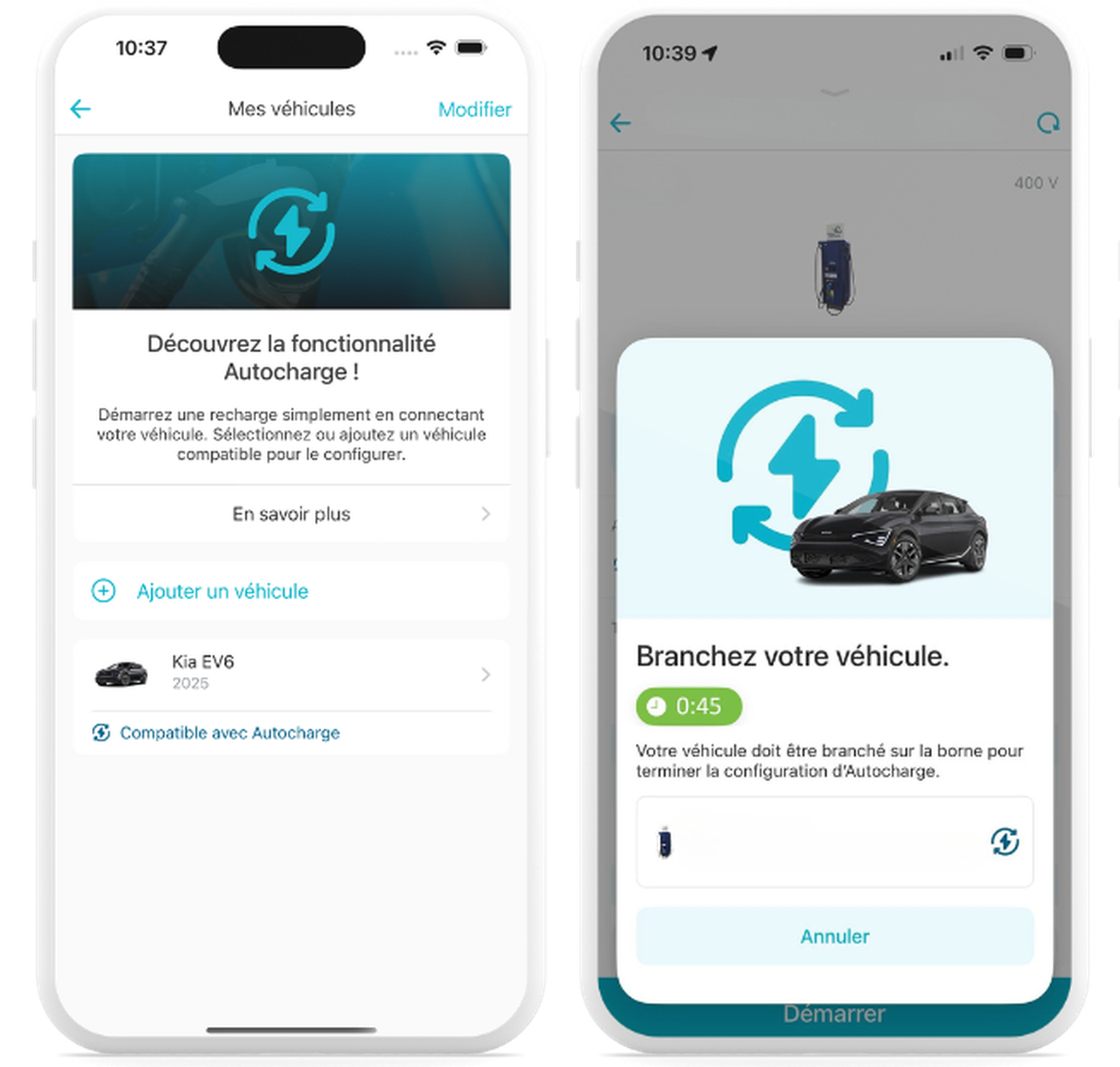
Open the Circuit électrique mobile app and create a free account, or log in if you already have one.
Add a vehicle to your account or select your vehicle.
Follow the instructions onscreen to start the Autocharge setup.
Go to a compatible charging station, select the station in the app and click on Finish Setup.
After that, you just need to plug your vehicle into a compatible station to begin charging
Quick tips
Check compatibility
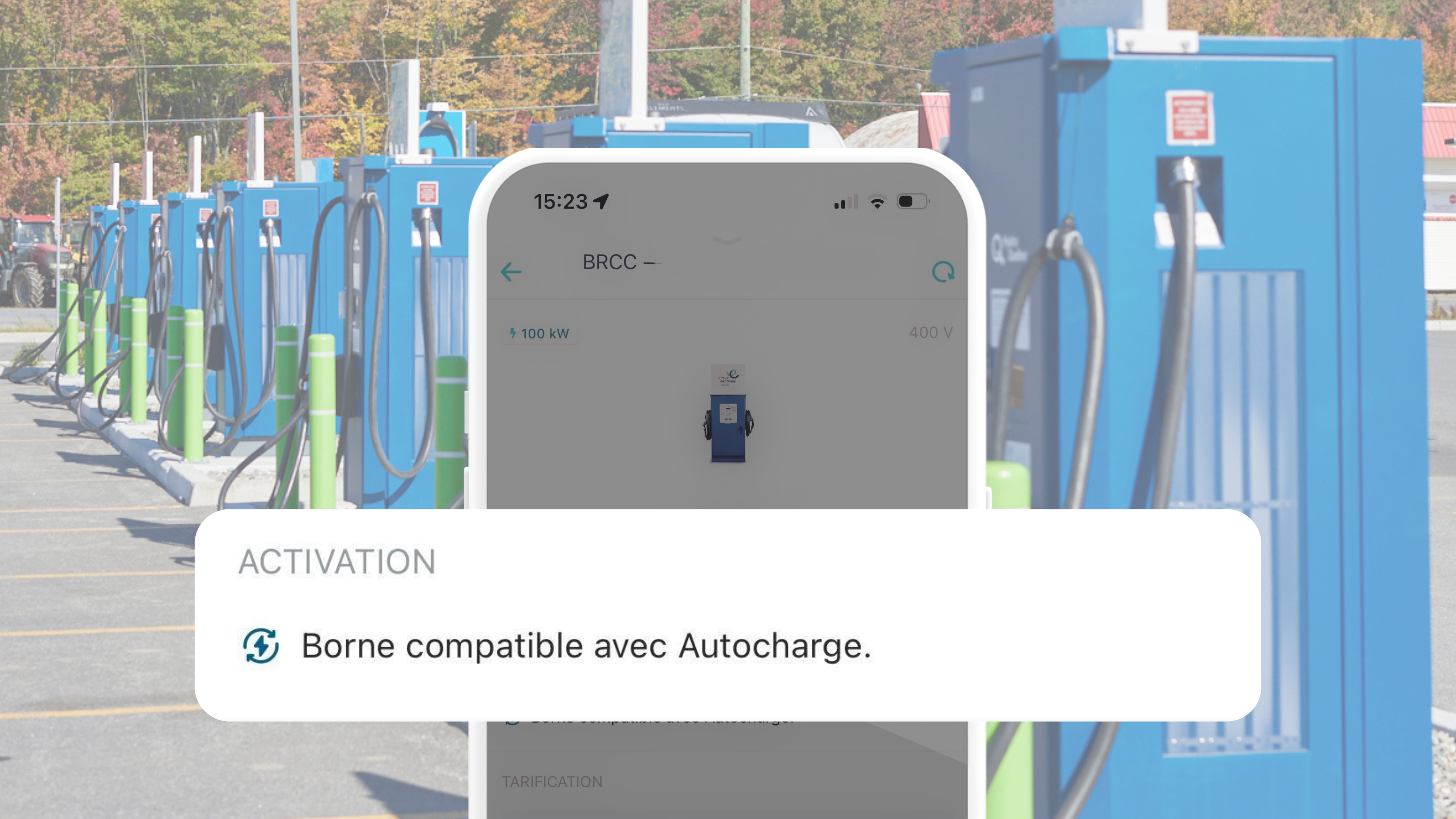
All Circuit électrique fast-charge stations are compatible with Autocharge, barring a few exceptions; standard (Level 2) stations are not compatible. Compatible stations are identified in the mobile app by the “Autocharge” symbol in the station information. Some vehicles are not compatible with Autocharge. Consult the FAQs section for more information.
Follow your charging activity
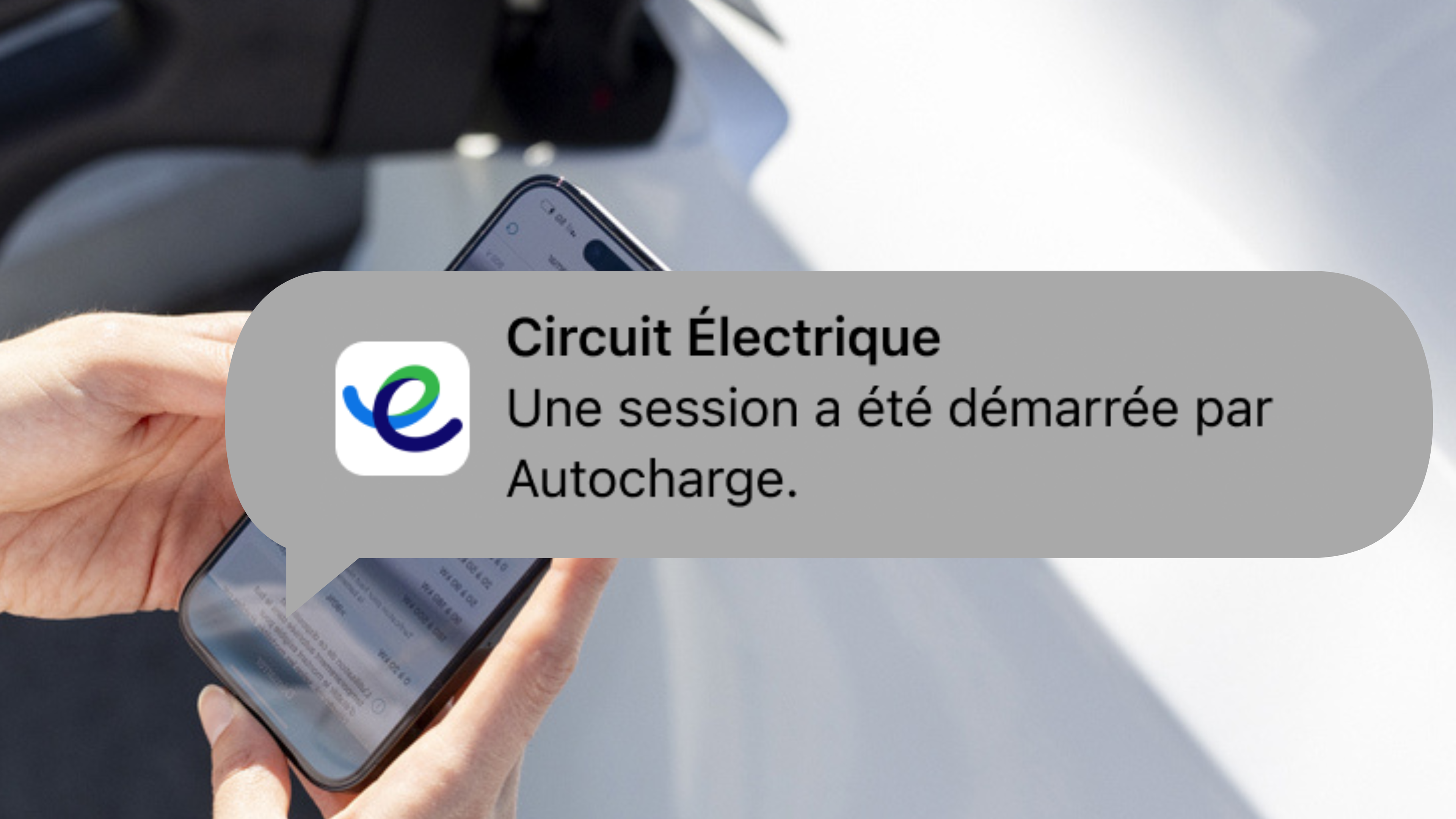
Enable notifications in your account so that you can see when Autocharge starts a charging session.
All sessions launched by Autocharge will appear in your account history.
Add funds to you account
For a truly seamless Autocharge experience, keep your account topped up. Activate the auto-reload feature to have a preset amount added to your account from your credit card each time your balance drops below $10. Remember that, if your balance reaches $0 during a charging session, charging will automatically stop. If you don’t use automatic payments, then be sure to check your balance before hitting the road.
E-learning
Learn everything you need to know about Autocharge in 5 minutes
FAQs
- Do I have to pay for the Autocharge feature?
- Do I still need my membership card with Autocharge?
- Can I set up Autocharge for a rental vehicle?
- When I use Autocharge, can I access my charging data in the mobile app?
- Can I configure Autocharge for more than one vehicle?
- Can I use Autocharge at stations operated by Circuit électrique partners?
- I’m lending my vehicle to someone else. What do I need to do?
- I’m selling my vehicle. What do I need to do?
- How do I deactivate or disable Autocharge?
- Can my vehicle be linked to multiple accounts?
- Are all charging stations compatible with Autocharge?
- Which vehicles are compatible with Autocharge?
- Is the data used by Autocharge protected?
- How does Autocharge work?
Want to learn more?
Help
To access the help hub and ressources.
Mobile app
To discover the features and advantages of the Circuit électrique app.
Become a member
To sign up for free as a Circuit électrique member.